
Logo Animation Without After Effects: What to Use Instead
Yes, you can animate a logo without After Effects, and for most people it takes minutes rather than an evening. The tool you should reach for comes down to two questions: what file does your logo currently exist as, and where is the animation going to play? Answer those two and the shortlist writes itself.
Upload the logo file you already have and get a finished animation back in about a minute — no timeline, no keyframes, nothing to learn. MorphLogo animates your existing logo and resolves the last frame back onto your original mark, so the thing viewers are left looking at is exactly the logo you uploaded. Animate your logo free →
One free generation, no credit card required.
Why people look for an After Effects alternative
After Effects is the industry standard for motion graphics, and it deserves that reputation. It is also two commitments: a subscription and a skill. Adobe lists After Effects at US$22.99/mo on the annual, billed-monthly plan, and the money is the easy part. Compositions, keyframes, easing curves, pre-comps and render queues are a genuine craft, and a first logo animation can absorb a weekend before it looks like anything.
If you animate every week, that investment pays for itself. If you run a small business and need your logo to move once, at the top of a promo video, it does not.
In practice "without After Effects" means one of three things:
- Without the subscription. You do not want another monthly bill for a single asset.
- Without the learning curve. You want a finished file today, not a new skill.
- Without a designer. There is nobody to hand this to.
Each of those points at a different tool, which is why a single "best free logo animation software" list tends to disappoint.
The two questions that decide everything
Almost every guide to logo animation without After Effects skips straight to a tool list. That is backwards. Start here instead:
| What your logo is | Where it needs to play | Where to go |
|---|---|---|
| Vector (SVG, AI, Figma) | Website or app interface | Lottie, via Lottielab or LottieFiles |
| Vector (SVG, AI, Figma) | Video edit, social post, email | Export MP4 or GIF from Lottielab's free plan |
| Raster (PNG, JPG) | Social post, video intro, email | AI image-to-video, such as MorphLogo |
| Raster (PNG, JPG) | Website interface, tiny file size | Redraw as vector first, then Lottie |
| No logo yet, just an idea | Anywhere | A template tool like Canva or Renderforest |
The second column matters as much as the first. A Lottie file is superb on a website and useless in a video editor. An MP4 drops into any timeline and cannot give you a transparent background. Picking the tool before you know the destination is how people end up re-exporting three times.
The assumption nearly every guide skips
The most widely circulated answer to this question is LottieFiles' walkthrough on animating any logo without Adobe After Effects, which turns up as both a video and an article near the top of this search. It is a good workflow, and it quietly assumes two things: that your logo already exists as clean vector artwork, and that Lottie is the format you want.
Vector means the logo is stored as mathematical curves rather than a grid of pixels — the paths and shapes defined by the W3C SVG specification. Vector art scales to any size without softening, which is exactly why animation tools want it.
Lottielab makes the prerequisite unusually explicit. Its free plan gives you unlimited files and export to GIF and MP4 at $0, but the workflow begins with uploading a Lottie or SVG file, or importing from Figma. No vector, no entry.
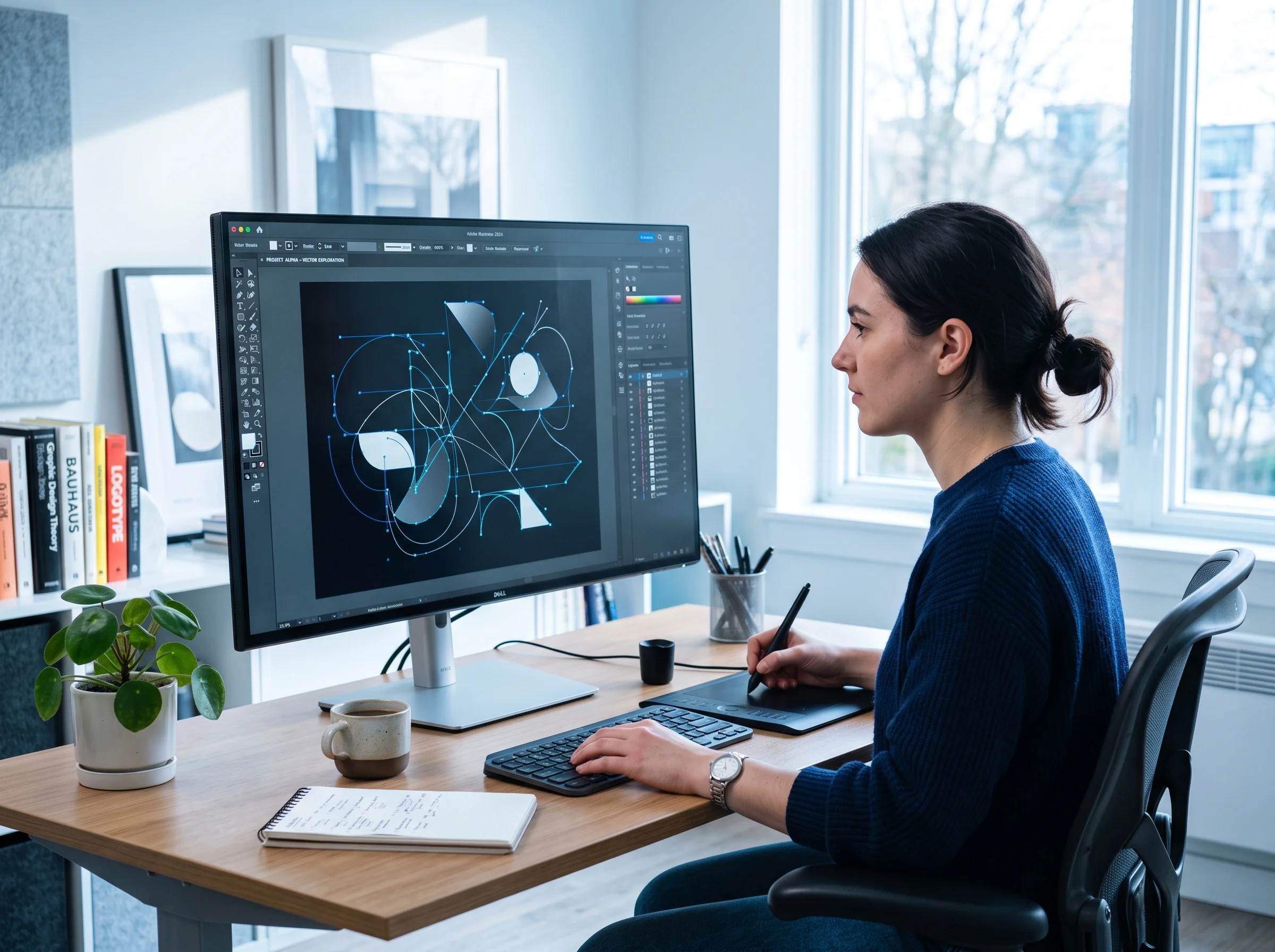
So if your logo only exists as a PNG that a freelancer emailed you in 2019, or a JPG you pulled off your own website, that entire branch of advice has nothing for you. That is the gap this guide exists to fill.
Logo animation from vector artwork (SVG, AI, Figma)
You have the widest set of options, and several of them are genuinely free. Every monthly rate below is annual-plan pricing unless stated otherwise.
Lottielab
The most direct path. The free plan covers unlimited files, Lottie and SVG upload, Figma import and export to GIF and MP4. Pro is $12 per editor per month, which adds Lottie export plus HD and 4K video.
LottieFiles
The larger ecosystem, with a big premium animation library, hosting and a CDN. Its Individual plan is $19.99 per user per month; Team is $24.99. There is a free tier for previewing, testing, sharing and making basic edits.
Jitter
A browser-based motion design tool that feels closest to a real timeline without being After Effects. The free plan gives you three workspace files and video, GIF and Lottie export capped at 720p and 30fps, with a watermark. Pro is $15 per editor per month and removes the watermark while unlocking 1080p at 60fps plus ProRes and WebM. Max is $35 and adds 4K, 120fps and transparent export.
Between those three, most vector logos can be animated and shipped without paying anything, as long as 720p and a watermark are acceptable, or you only need GIF and MP4 out of Lottielab.
If you only have a PNG or a JPG
This is the common case, and it is where logo animation without After Effects gets genuinely easy rather than merely possible. There are two honest answers.
Redraw it as a vector first. Auto-tracing tools can approximate simple marks, and a designer can rebuild a complex one properly. Then everything in the section above becomes available. This is the right call if the logo will live in your product interface long-term, because nothing beats a real vector source.
Or animate the raster file directly with AI. Image-to-video models take the pixels you already have and generate motion, no vector required. This is the fastest route from "PNG in a folder" to "clip in a post", and it is what MorphLogo does: you upload the logo file you have and get back MP4, GIF, WebP or WebM.
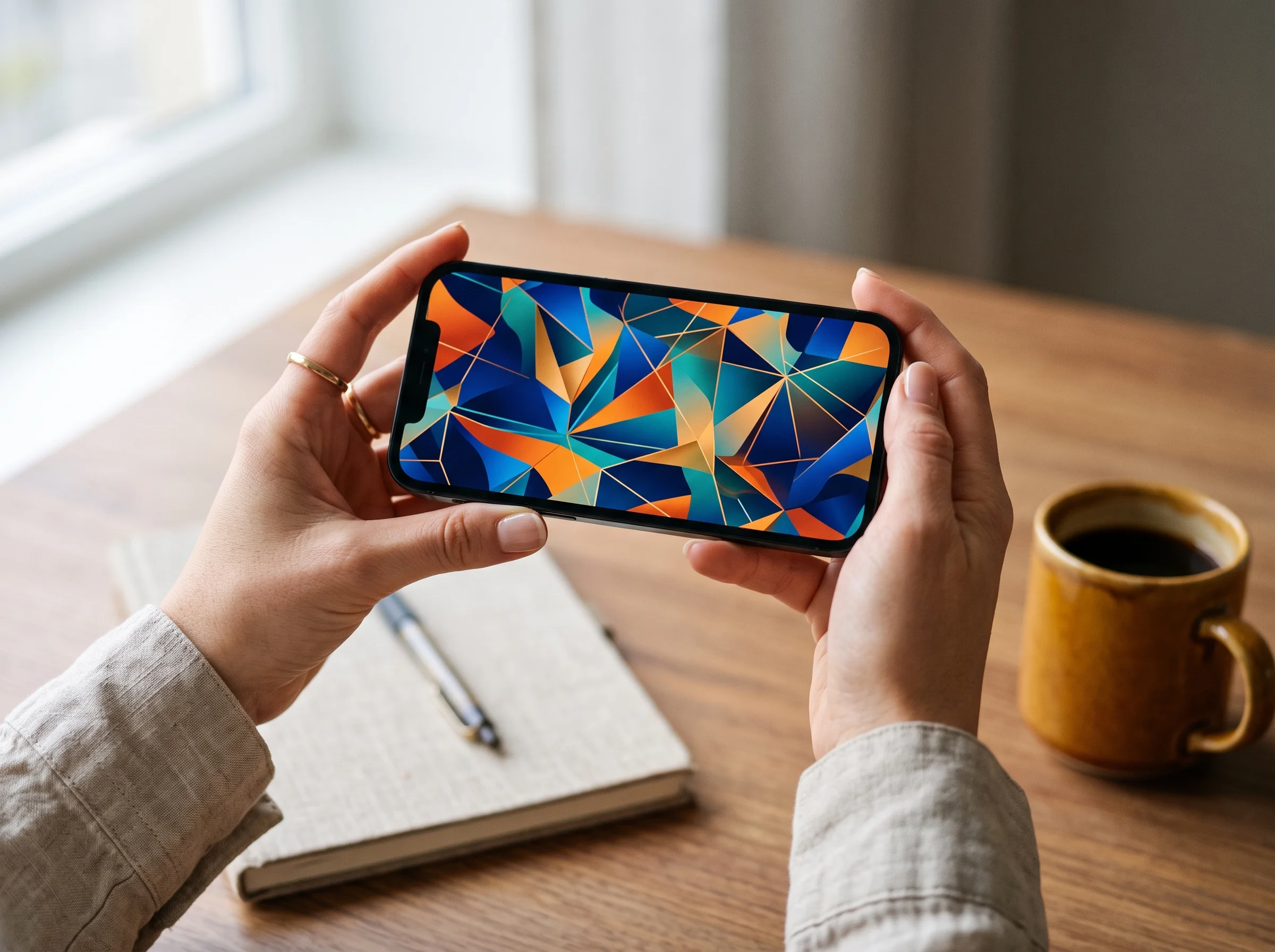
Two limits worth knowing before you pick this path. There is no Lottie or animated SVG output, so this is not the route for a lightweight website animation. And the free generation gives you a watermarked MP4 capped at 720 on the short side — clean, higher-resolution files are behind a paid plan, which starts at $9.90 one-time rather than a subscription. Full pricing is on the pricing page.
Template tools change your logo, and that is the trade
Canva and Renderforest are the two names that come up most, and they work differently from everything above. You are not animating your logo so much as dropping it into an animation somebody else designed.
Canva
Free to use, with Pro at US$180 per year for one person and Business at US$250 per year per person.
Renderforest
Runs on credits: Lite is $8 per month with HD720 template exports, Pro is $19 with HD1080, and Business is $39 with 4K.
Both are fast and both are fine, with one caveat that matters more for a logo than for any other asset. A template has opinions about proportion, timing and where things sit. Your mark gets adapted to fit those opinions. For a birthday invitation nobody notices. For the logo a customer is supposed to recognise in half a second, the compromise is real, and it tends to show up as a wordmark that got stretched, recoloured or cropped.
This is the axis worth checking whichever tool you choose: at the end of the animation, is the logo on screen still your logo? MorphLogo is built around that specific constraint — every generation carries an instruction that the final frame must restore the complete, unaltered original: same shapes, colours, proportions, text and position, sharp and centred and held still. If you want to see the idea pushed further, the same fidelity approach drives our brand mascot generator and AI intro video generator.
Which file format should you export?
The destination decides this, not preference.
| Format | Best for | Transparency | Watch out for |
|---|---|---|---|
| Lottie (JSON) | Websites, app interfaces | Yes | Needs vector source and a player library |
| MP4 | Video editors, social, YouTube | No | Universal and well compressed, but never transparent |
| GIF | Email signatures, chat, older platforms | 1-bit only | Large files, 256 colours, visible banding on gradients |
| WebM | Modern web embeds | Yes, with the right codec | Support is narrower than MP4; alpha depends on how it was encoded |
| Animated SVG | Simple web marks | Yes | Usually hand-written CSS or SMIL, not exported from a tool |
If you only take one rule from this table: MP4 for anything that ends up in a video or a social feed, Lottie for anything that lives inside a website or app. GIF only when the destination forces your hand, which in practice means email. MDN's video codec guide is the reference worth bookmarking if you need to go deeper on transparency support.
Note that transparency in the table above describes what each format is capable of, not what every tool gives you. Transparent export is a paid feature in Jitter, and MorphLogo's WebM output is a scaled version of the MP4 without an alpha channel.
The tools compared
Every price below was checked against the vendor's own pricing page in September 2026. Monthly rates are annual-plan pricing, except After Effects, which Adobe sells as an annual plan billed monthly. Vendors change prices; check before you buy.
| Tool | Free tier | Paid entry point | Needs a vector logo | Best for |
|---|---|---|---|---|
| After Effects | Trial only | US$22.99/mo, annual billed monthly | No | Total control, if you already know it |
| Lottielab | Yes, GIF and MP4 export | $12/editor/mo | Yes | Vector logo to Lottie or video |
| LottieFiles | Yes, limited editing | $19.99/user/mo | Yes | Lottie library, hosting, developer handoff |
| Jitter | Yes, 720p with watermark | $15/editor/mo | No | Designers who want a real timeline |
| Canva | Yes | US$180/year (Pro) | No | Template-driven brand content |
| Renderforest | Free test credits | $8/mo (Lite, HD720) | No | Template logo intros |
| MorphLogo | One generation, watermarked MP4 | $9.90 one-time, 450 credits | No | Animating a raster logo as-is |
Frequently Asked Questions
Is there a way to animate a logo without design software?
Yes. Logo animation without After Effects no longer requires anything installed: browser-based tools handle the whole job. If your logo is a vector file, Lottielab and Jitter both have free plans that export usable video. If it is a PNG or JPG, an AI image-to-video tool animates the file directly with no vector conversion and no timeline editing.
Can ChatGPT make animated logos?
It can produce an animated clip, but general-purpose image and video models tend to redraw your logo rather than preserve it, so letterforms shift, colours drift and small text turns to nonsense. If you try it, judge the result by one test: pause on the final frame and compare it against your original file. Purpose-built logo animation tools constrain the model specifically to stop that drift.
What file format is best for logo animation?
There is no single best format, only a best match for the destination. Use Lottie for websites and app interfaces because it is tiny and scales cleanly. Use MP4 for video editors, YouTube and social feeds. Use GIF only when the platform gives you no choice, which usually means an email signature. Choose WebM when you need transparency on the web and know your audience's browsers support it.
How do I create a Lottie animation without After Effects?
Upload an SVG to Lottielab or LottieFiles and animate it in the browser, then export to Lottie. Lottielab includes Lottie export on its Pro plan at $12 per editor per month billed annually, while its free plan covers GIF and MP4. The one hard requirement is vector source artwork — Lottie describes shapes and paths mathematically, so there is no way to generate a true Lottie file from a flat PNG without redrawing it first.
Do I need a transparent background for a logo animation?
Only sometimes. If the animation sits on a coloured website section or over live footage, yes, and you need Lottie, WebM with alpha or a ProRes file. If it opens a video, plays in a social feed or ends an email, a solid or branded background is normal and MP4 is the simpler choice.
Start with the file you already have
The reason this search is frustrating is that most of the answers are written for people who already own vector artwork and already know what a Lottie file is. If that is you, Lottielab's free plan is probably the shortest path, and Jitter is worth the $15 if you want real timeline control.
If it is not you, and your logo is a PNG sitting in a folder somewhere, you do not need to fix that first. Upload it and see what comes back.
Turn the logo you already have into a finished animation, in about a minute. MorphLogo works from your existing file — PNG, JPG or vector — and exports MP4, GIF, WebP and WebM. Start animating free →
One free generation, no credit card. Paid plans start at $9.90 one-time, not a subscription.
Table of Contents
Author
