3D Spinning Logo Maker
A spinning logo is your flat mark rendered as a solid object — real thickness, lit bevel edges — turning a full revolution and landing back where it started. Upload the logo you already use, pick a rotation, and export a 4–10 second loop in about a minute.
- Spins the logo file you upload
- Loop seam measured on real renders
- Renders in about a minute
Generate your spinning logo
Two ways to spin a logo
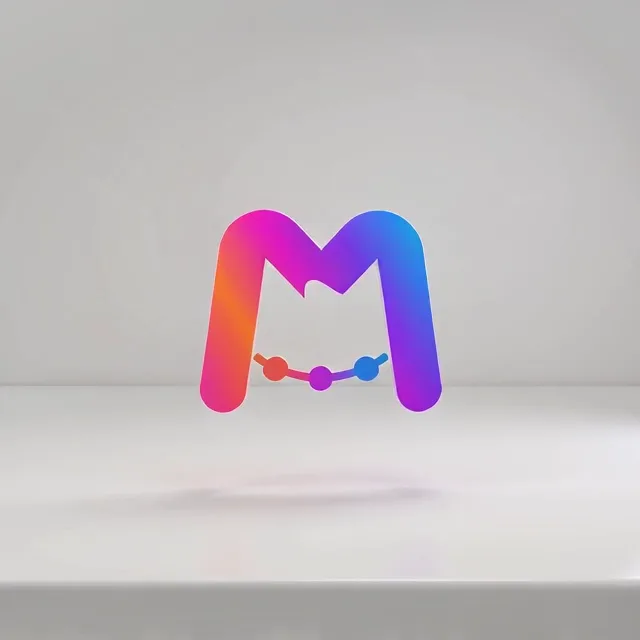
Full 360 spin
The mark becomes a solid object with extruded thickness and lit bevel edges, turns a complete revolution, and lands front-facing. This is what most people mean by a 3D spinning logo.
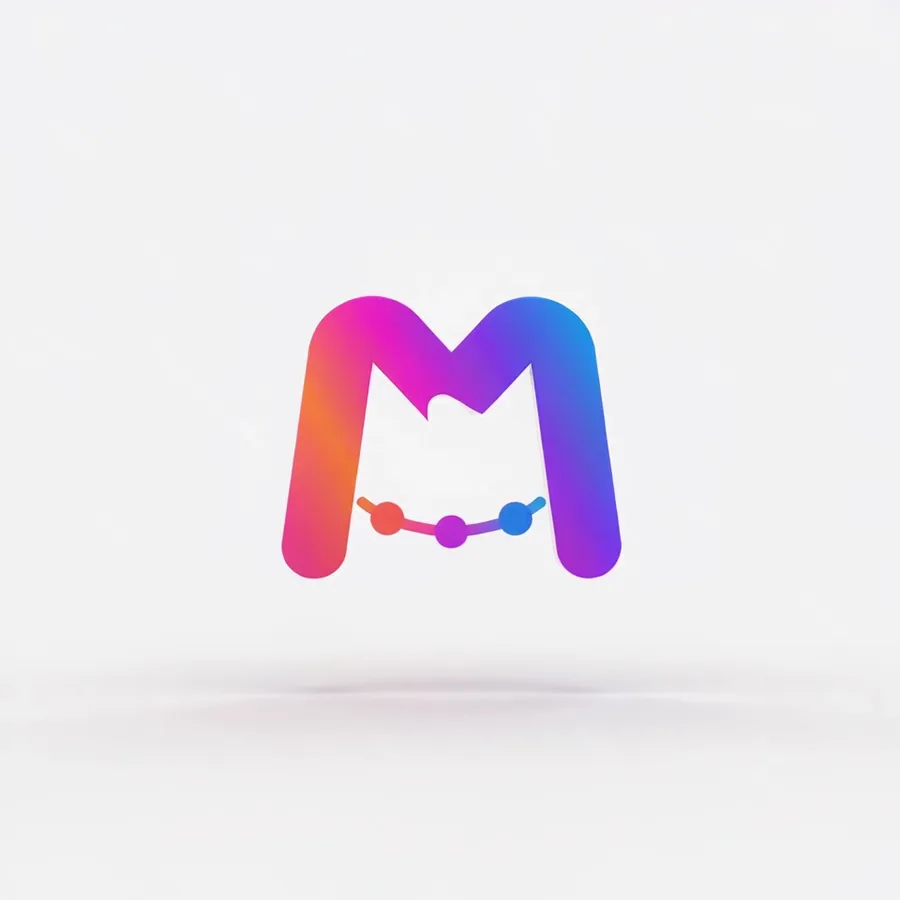
3D orbit on a studio floor
The mark stands on a softly lit studio floor, swings past edge-on and all the way around, and lands front-facing back where it started. The same full turn as the spin, and in our measurements the more reliable one to loop.
Both clips were rendered on the current engine from one static logo file, and each closes where it opened: the spin 2.4 levels apart out of 255, the orbit 1.3, so neither shows at the repeat. Across real renders the spin is less steady than this one; the measurements are below.
How it works
How do you make a spinning logo?
No modeling, no rigging, no 3D software to learn. The generator builds the rotation around the logo file you already own.
Upload your logo
Drop in a PNG, JPG, WebP, or SVG. A transparent PNG works best — the mark sits directly on a clean, light, seamless backdrop instead of carrying a box of its own background.
Pick a rotation
Full 360 spin for a solid turning object, or 3D orbit for the same full turn on a studio floor, the more reliable one to loop (on a logo with lettering it tends to stay closer to the front). Each style shows a real rendered sample before you spend anything.
Generate and export
Rendering takes about a minute. Take the clip at 4 to 10 seconds as MP4, GIF, WebP, or WebM and drop it into an edit, a feed post, or a site header.
What is a seamless 360 loop?
A loop is seamless when the last frame matches the first. Most spinning-logo exports fail that test: the rotation overshoots by a few degrees, the lighting settles somewhere else, and you see a hitch every time the clip repeats.
Your file is the starting point
The rotation styles do not draw an interpretation of your logo and animate that. Your uploaded file is handed to the engine as the opening frame, so the clip starts from your actual mark rather than a redrawn guess of it.
The render is held to landing on it again
Every render on this site is bound by a closing rule: resolve by restoring the logo exactly as provided — same shape, colors, proportions, and text — sharp, centered, front-facing, and still. Opening and closing frames therefore aim at the same picture, which is what makes a clean cut point possible at all.
Which styles actually close the seam
We measured the restart on real renders of these six rotations, not just the two clips above. 3D orbit closed cleanly in 12 of 19. 360 spin landed a faint jump in most: 4 of 19 clean, 12 faint, 3 visible. Gold shimmer and Neon pulse were mixed, at 4 of 7 and 2 of 3 clean. Hologram and Cinematic reveal jumped in most renders: hologram tends to open with its glow already on the logo, and cinematic opens in shadow and ends in full light. When the clip has to repeat, 3D orbit is the safe pick.
One caveat worth stating plainly: the closing frame is a rule the model follows, not a guarantee it cannot break, and it covers your logo rather than the light around it. Even 3D orbit jumped in 2 of 19 renders, so watch the last second run into the first before you publish a loop.
Every other style, measured at the restart the same way, is on the looping logo animation page.
Will the text on my logo still be readable when it spins?
In the frames that matter, yes. Your wordmark is treated as printing on the surface that rotates: facing the camera it stays crisp and fully legible, and as it turns away it foreshortens and slips out of view in profile, the way any printed surface does. What the render is not allowed to do is bring it back as different characters.
Perspective is not distortion
At ninety degrees through a turn a wordmark is edge-on, and there is nothing left to read. That is correct three-dimensional projection, not a flaw in the render. It is also the quickest way to judge a spinning logo: if the text stays perfectly readable through an entire revolution, the logo is not really rotating — a flat image is being nudged.
Legible where a viewer actually reads it
The render is held to two things at once. In every frame where the text faces the camera it has to be sharp and fully legible, and at no angle may a letter be re-spelled, duplicated, restyled, or invented. Foreshortening is allowed because it is geometry. New characters are not, because they are not your logo.
How the two rotation styles differ
Demand legibility in every single frame and you have written a rule that a full turn cannot satisfy — the only way to comply is to stop turning, which is how a spin becomes a wobble. So the full spin is governed by a rule written for rotation and turns all the way even when the logo carries lettering. The orbit keeps the stricter every-frame rule: on a logo with lettering it tends to hold the turn closer to the front, while a symbol with no text, like the one in the samples above, still swings all the way around. If the name is the whole logo, a style that never turns it away, such as Cinematic reveal, is the safest pick — just not for a clip that has to loop.
MP4 or GIF for a spinning logo?
Both come out of the same render, so this is a download choice rather than something to decide up front.
MP4 for anything that plays video
Video intros, presentations, ads, paid social. It holds gradients and lit bevel edges cleanly at a fraction of the file size, which matters because a metallic spin is mostly gradient.
GIF for places that refuse video
Email signatures, some marketplace and forum profiles, chat apps that autoplay GIFs but block video. Expect visible banding on gold and chrome rotations: GIF carries 256 colors and a lit metal surface has far more gradient than that. A flat, high-contrast mark survives the format much better.
WebP and WebM for your own site
WebP embeds like a GIF but keeps the color, which makes it the right pick for a site header or a landing-page badge. WebM is the smallest of the four in a modern browser. Use either where you control the page and know what will render.
Rotation is one family of styles on our AI logo animation maker — the same engine, the same fidelity rules, every export format. Particles, liquid, glitch and the rest are on the logo animation examples page, with a test of which motions change a logo. Need the spin as a looping GIF? The GIF logo maker covers file size, the first frame, and which email clients animate it.
FAQ
Spinning logos, answered
Put your logo in motion
One upload, about a minute, and a rotation you can reuse on every surface your brand shows up on.