Looping Logo Animation
A looping logo animation is seamless when its last frame matches its first. We measured that gap on 89 renders across every style that keeps your logo whole: 3D orbit closed it in 12 of 19, 360 spin usually left a faint jump, and cinematic reveal jumped all 11 times.
- Measured on 89 real renders
- Only clean-looping styles in the generator
- Export GIF, WebP, MP4 or WebM
Generate a looping logo
Only the styles that came back clean in our measurements are here. 3D orbit is selected first because it has the most renders behind it in the clean group.
Watch the restart
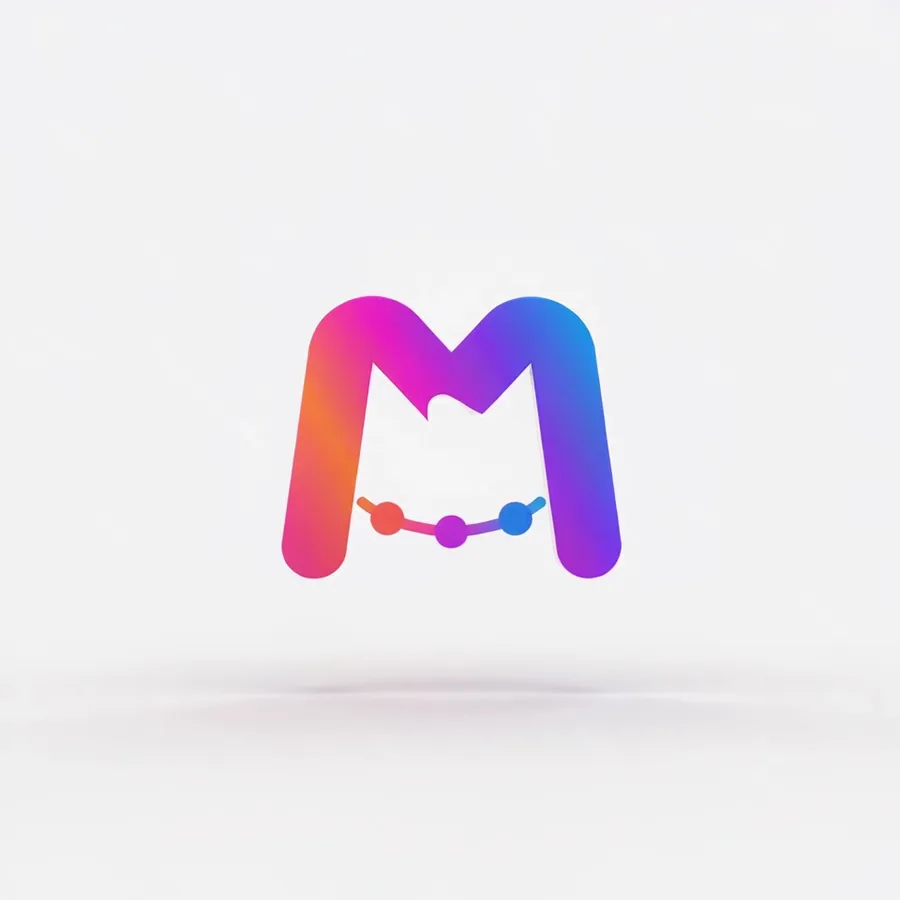
3D orbit: closes the loop
Swings around on a soft studio floor and lands back where it started.
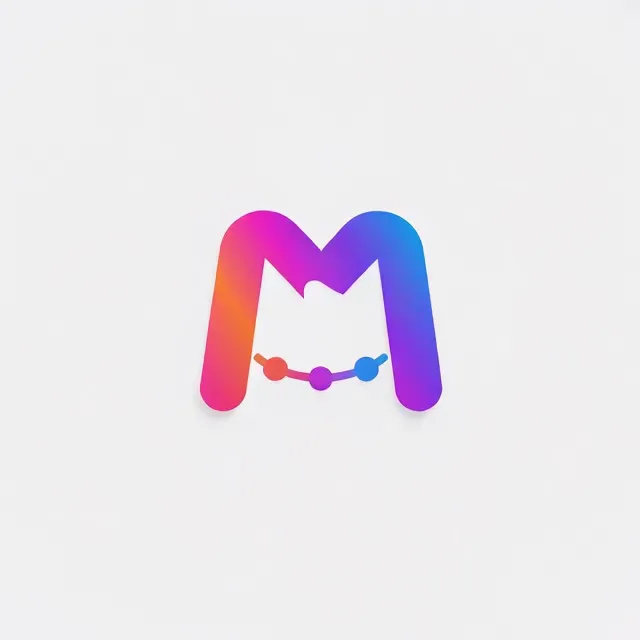
Cinematic reveal: flashes at the restart
A light sweep lifts the scene from shadow to full light, so the last frame is far brighter than the first.
Both clips are 4-second renders of the same logo file, playing on repeat. 3D orbit ends 1.3 levels from where it began, out of 255, and the restart can't be seen. Cinematic reveal opens in shadow and ends in full light, 83 levels apart, so every repeat flashes.
Which logo animation styles loop seamlessly?
Five styles came back clean: 3D orbit, electric surge, fire ignite, confetti pop and energy shockwave, though only 3D orbit has more than four renders behind it. 360 spin, gold shimmer and neon pulse were mixed, and the rest jumped. We measured the gap between the last frame and the first on 89 renders, covering every style that keeps your logo whole; a render counts as clean when fewer than 1 in 100 pixels change noticeably at the restart.
| Style | Result | Renders | Median gap | Clean · faint · jump |
|---|---|---|---|---|
| 3D orbit | Loops clean | 19 | 1.8 | 12 · 5 · 2 |
| Electric surge | Loops clean | 4 | 1.9 | 3 · 1 · 0 |
| Fire ignite | Loops clean | 3 | 1.1 | 3 · 0 · 0 |
| Confetti pop | Loops clean | 3 | 1.5 | 3 · 0 · 0 |
| Energy shockwave | Loops clean | 3 | 1.5 | 2 · 1 · 0 |
| Gold shimmer | Mixed | 7 | 3.0 | 4 · 2 · 1 |
| 360° spin | Mixed | 19 | 3.1 | 4 · 12 · 3 |
| Neon pulse | Mixed | 3 | 1.6 | 2 · 0 · 1 |
| Soft float | Jumps | 4 | 5.3 | 1 · 1 · 2 |
| Hologram | Jumps | 3 | 8.7 | 0 · 1 · 2 |
| Bounce pop | Jumps | 4 | 7.2 | 0 · 1 · 3 |
| Frost freeze | Jumps | 3 | 5.7 | 0 · 0 · 3 |
| Impact slam | Jumps | 3 | 12.9 | 0 · 0 · 3 |
| Cinematic reveal | Jumps | 11 | 34.5 | 0 · 0 · 11 |
Median gap is the middle value of each render's average first-to-last-frame difference, on a 0–255 scale; under 2 can't be seen. The last column counts renders where under 1%, 1–5% and over 5% of pixels changed by more than 16 levels at the restart. A style is marked Loops clean when at least 6 in 10 of its renders are clean and no more than 1 in 6 fall in the jump column, Jumps when half or more do, and Mixed otherwise. Rows built on three or four renders are a first reading.
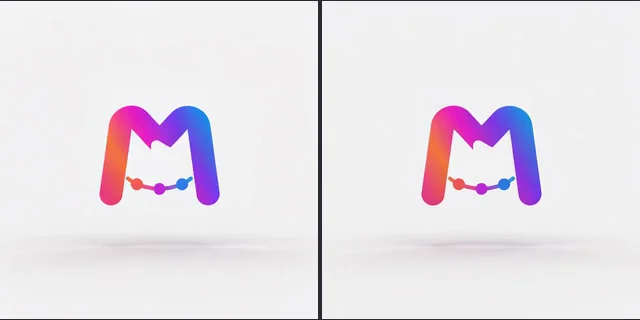
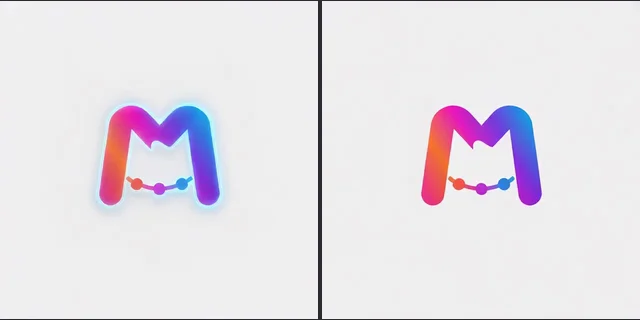
Where the numbers come from: 61 renders MorphLogo users made between September 9 and 21, 2026 with a style picked and no description typed, plus 28 test renders of our own: our M logo on a light and on a dark backdrop, and a mock logo with small lettering. All of them ran on the current Standard engine at 4 seconds. From customer renders we only read the numbers; every image on this page shows our own logos. We haven't measured 5- to 10-second renders yet.
Why do some logo loops jump at the restart?
Every style is steered to finish on your logo, in the same shape, colors and position. What breaks a loop is how the clip starts, and whether the light comes back.
It starts mid-effect
Frost and hologram open with the effect already on your logo, a frosted rim or a cyan glow, and end on the plain logo. All six of our frost and hologram test renders did this, so the effect snaps back on at every restart.
The logo starts somewhere else
Impact opens with the logo lifted above the spot where it lands, and bounce drops it in from off-screen: three of four bounce renders opened without the logo in place. The last frame is centered and the first isn't, so the logo jumps.
The light doesn't come back
Cinematic reveal opens in shadow and ends in full light. Ten of its 11 renders finished brighter than they began: at the median, average brightness rose 29 levels out of 255, which reads as a flash every time the clip restarts.
One cause is in your hands: the description box. Of the 18 3D orbit renders our users made without a typed description, 2 jumped at the restart; of the 20 made with one, which aren't in the table above, 9 did. A description that asks for a different backdrop or light than your file has can pull the clip toward it.
How it works
How do you make a looping logo animation?
Three steps, and the second one decides whether the loop closes.
Upload your logo on its real background
PNG, JPG, WebP or SVG. The color in your file's corners becomes the backdrop, so upload the logo on the background the loop will play on. A transparent PNG lands on a near-white studio tone.
Pick a style that closes the loop
The generator above only offers the styles that came back clean in our measurements. Leave the description empty, or keep it to motion: in our measurements, 3D orbit renders with a typed description jumped far more often than renders without one.
Check the restart, then download
Before you download, watch the last second run into the first. A GIF loops by itself; an MP4 or WebM repeats when the page or app playing it is set to loop.
Should a looping logo be MP4, GIF or WebM?
Use MP4 or WebM for a website header, the MP4 for a social feed, and GIF or animated WebP for chat apps and docs. Only GIF and animated WebP carry a loop setting inside the file; MP4 and WebM leave it to whatever plays them.
GIF and WebP loop on their own
The standard GIF and the WebP are saved to repeat forever, so they loop in chat apps, docs and web pages with no code. The email signature GIF is saved to play once and rest on its last frame, so a seam never shows in an inbox.
MP4 and WebM loop in the player
On a website, add loop to the video tag: <video autoplay loop muted playsinline>. Browsers usually block autoplay with sound until the visitor has interacted with the site, so keep a looping header muted; Safari also needs playsinline.
Feeds replay short clips for you
Instagram Reels and TikTok replay a short video until the viewer scrolls on, so the seam shows there too. Upload the MP4: the GIF made from the same render was 1.86 times its size in our tests, with fewer colors.
File sizes for all five exports, measured on the same renders, are in our animated logo file formats guide.
Can a looping logo have a transparent background?
Yes, as a paid option with conditions. By default every loop plays on a solid backdrop; for a transparent one you need a logo with a transparent background and a style that supports it.
When transparency works
On any paid option, turn on Transparent background before you render. The clip is generated on a green screen, and the green is keyed out when you download it as WebM, WebP, GIF or MOV (ProRes 4444); the MP4 keeps the green screen. Your logo file needs a transparent background: a logo on a solid background or a JPEG is rejected. Of the clean group on this page, only Confetti pop supports it; it also works with 360° spin, Soft float, Bounce pop or your own description. Glow effects around the logo are removed along with the background. The loop measurements above come from renders with a solid backdrop.
Match the backdrop to the page
On a loop without transparency, the backdrop is taken from the corners of the file you upload, so put your logo on the exact color of the page it will play on and the clip's edges blend in. Expect a shade of drift: in our test a logo on pure white came back on #F9F9FC.
Why transparent GIFs have hard edges
GIF transparency is all or nothing for each pixel, so the soft edges of a logo are cut hard and pick up a halo on any background except the one they were cut for, and a loop shows that halo on every pass. For a transparent loop with soft edges, use WebM, WebP or MOV.
Want an intro that plays once instead? Start from the logo animation AI generator. The two spin styles, and how far each one turns, are compared on the 3D spinning logo page. Need the loop as a GIF logo? That page covers file size, the first frame and email apps.
FAQ
Looping logo animations, answered
Make a logo loop that closes
Upload the logo you already use, pick a style from the clean group, and watch the restart before you download.